
Build A Soccer Squad Rerolls & Refreshes, Explained
Every Build A Soccer Squad code hands out Rerolls and Refreshes. Here's a sourced breakdown of what each one does, every way to get more, and where to spend them for the best return.
What a Reroll Actually Does
A Reroll cycles a new footballer into your lineup — spend one, and you get a fresh player pull instead of the one you're holding.
Independent guides describe this the same way: you're "rolling" or "spinning" for a card, not opening a fixed, priced box.
That's why Build A Soccer Squad Rerolls matter more than raw quantity might suggest. Each one is a direct shot at a higher-OVR player or a card that fills a missing Starting XI slot.
That slot fill is also what triggers the pack-style reveal screen shown in official game media.
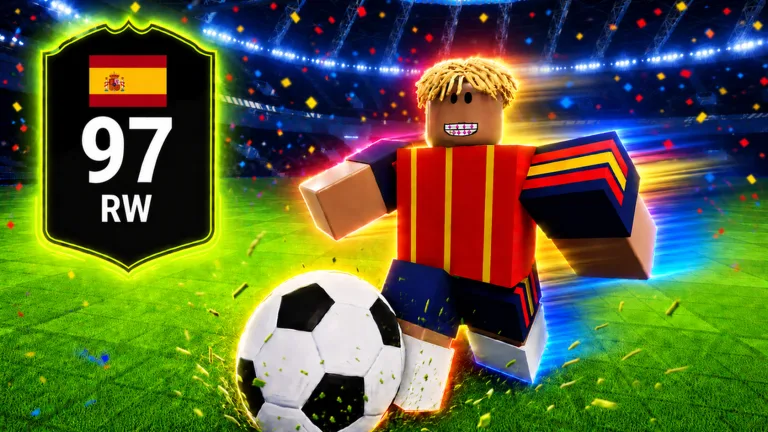
What a Refresh Actually Does
A Refresh is a separate resource from a Reroll — it gives you another chance to fix a Chemistry link or land a rarer special card, without losing the pull you already have.
All Things How puts it directly: Rerolls cycle you toward higher-rated players and rarer special cards, while Refreshes give you extra chances to complete those Chemistry links without starting over.
In practice, Rerolls are for finding new players, and Refreshes are for making the squad you already built work better together.
Spending both on the same target — one club, league, or nation core — gets more value than spreading them across unrelated pulls.
Three Ways to Get Rerolls and Refreshes
Codes are the fastest one-time boost, but they're not the only source. Codes come straight from Bloxheed's own game description, and the quest and shop routes are covered in All Things How's dedicated Reroll guide.
1. Redeem Codes
| Code | Reward |
|---|---|
| LIMITBREAKER | +25 Rerolls, +25 Refreshes |
| DOUBLE | +20 Rerolls, +20 Refreshes |
| CONSOLE | +25 Rerolls, +25 Refreshes |
| UNIVERSE | 50 Rerolls, 50 Refreshes |
See the full active codes list and the redemption walkthrough for exact steps.
2. Farm the Play-Time Quests
Timed quests reward Rerolls, Refreshes, and coins the longer you stay in a single session. Claiming the four documented tiers in one sitting nets 150 Rerolls, 80 Refreshes, and roughly 83,000 coins:
| Quest | Rerolls | Refreshes | Coins |
|---|---|---|---|
| Played 15 minutes | +10 | — | +1,000 |
| Played 30 minutes | +30 | +10 | +2,000 |
| Played 1 hour | +40 | +20 | +20,000 |
| Played 2 hours | +70 | +50 | +60,000 |
There is now a fifth tier above these: Bloxheed's update notes on the Roblox game page list “Added 8 Hour quests for Refresh/Rerolls”. Check the 8-hour quest in-game for its payout.
Quest progress resets the moment you leave the game — that's intentional, and it's what lets you repeat the whole chain by rejoining a fresh session. Entering Cup Mode also resets it, since Cups move you to a different server.
3. Buy Them Directly
Both Rerolls and Refreshes can be purchased outright from the in-game shop with Robux if you'd rather skip the wait entirely. Guides note this is the only method that isn't time-gated or one-time, though it's real money rather than a free resource.
How to Spend Rerolls and Refreshes Wisely
Guides consistently recommend stockpiling at least 200 Rerolls and Refreshes before making a concentrated push toward a 100+ OVR squad, rather than spending them one at a time.
A bigger pool means fewer wasted pulls on players your target squad doesn't need.
Where you aim them matters as much as how many you have. Rerolls toward a specific Chemistry core, or toward the last few players needed for a Captain squad, go further than random pulls spread across every position.
New codes have historically landed alongside major content updates, so checking the Build A Soccer Squad codes page right after an update banner is the fastest way to catch fresh Rerolls before they're needed for a farming push.
Sources
Bloxheed prints the active codes and the “8 Hour quests for Refresh/Rerolls” line in the official Roblox game description itself. The quest reward table, the ~83,000 coin total, the quest-reset behaviour and the Reroll-versus-Refresh distinction come from All Things How.
- Roblox official game description — active codes and the 8-hour quest tier
- All Things How — How to Get Rerolls and Refreshes Fast (quest table and the Reroll/Refresh split)
- Pro Game Guides — Complete Beginner's Guide
- GameRant — Build A Soccer Squad Codes
Updated 2026-07-26.
Keep Reading
Packs Guide
What actually happens when a Reroll triggers a pack-style card reveal.
Read the guide →Chemistry Guide
Where to aim your Refreshes for the biggest squad-rating payoff.
Read the guide →100+ Rated Team
The formations and player picks guides used after stockpiling 200+ Rerolls.
Read the guide →How to Redeem Codes
Exact steps for claiming the Rerolls and Refreshes listed above.
Read the guide →